
Shaping agentic AI
Agentic AI Foundation
Vstorm was the first agentic AI engineering company to join the Agentic AI Foundation and received its 2026 Open Agentic AI Innovation Award.
Read the announcementEvery ticket read, checked and sent to the right queue
For a US telecom we built an agent that reads error tickets and handwritten notes, and error processing became 10x more efficient.
DispatcherYour team
The overnight tickets are in. Can the triage agent sort them before the morning shift starts?
Triage agentAgent
helpdesk.read_ticket text and a photo of notes ocr.read_handwriting the technician's notes network.get_status device and line status accounts.lookup customer and service plan Classified as a line fault. The handwritten account number is unclear, so routing waits for a check.
Triage agentAgent
helpdesk.assign network queue, high priority helpdesk.add_note summary and source fields Sent to the network queue with a summary, the line status and the scanned notes attached.

Three-agent product advisor guiding customers through print-order configuration.
Read case study
HIPAA-compliant guideline-executing triage — 42% to 98% on the open 50-scenario benchmark.
Read case study
Text-to-workflow agents building validated node graphs inside the platform.
Read case study
Supply chain intelligence agents reducing manual coordination overhead.

AI agent implementation for a global automotive enterprise.

Bilingual English/Arabic agent inside ARIJ's Moodle environment, answering only from ARIJ's own knowledge base.
Agents read, check and route each ticket on arrival, and people take the ones that need judgement.
Where it stallsEvery ticket starts with minutes of sorting.
What we do An agent reads each ticket, sets category and priority, and fills the fields the form left empty.
Where it stallsTickets land with the wrong team and bounce back.
What we do Routing rules live in code, and the agent checks the account and system status before it assigns.
Where it stallsUrgent issues hide among routine requests.
What we do Outages and repeat failures are flagged on arrival and go straight to the person on call.
Whatever comes in, every project is built from the same parts below, set up for your files and your systems.
Queues we route
How we build it
Text, attachments and handwritten notes turned into category, priority and the missing fields.
Your queues, owners and escalation rules written as tested code the agent follows.
Access to your helpdesk, monitoring and account systems, with the permissions you set.
Classification tested on your closed tickets before launch, and every routing decision logged.
Not seeing your case? Bring the queue with the longest backlog and we start from that.
Tell us about your workflowThey work in the tools your team already uses, take on whole tasks and stop for a person where you decide.
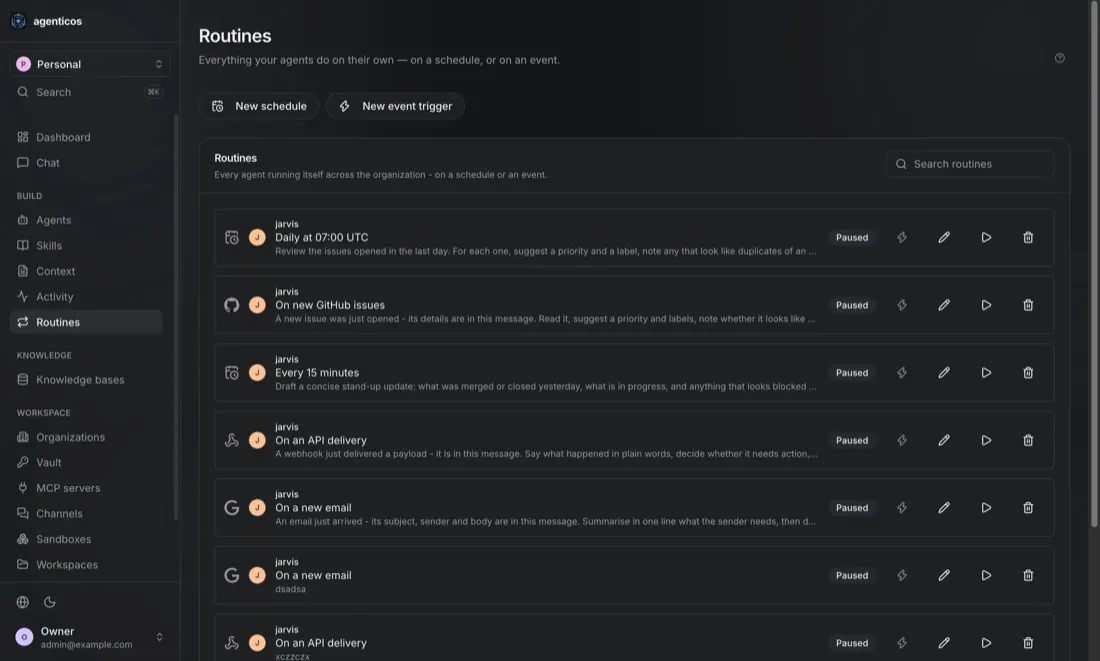
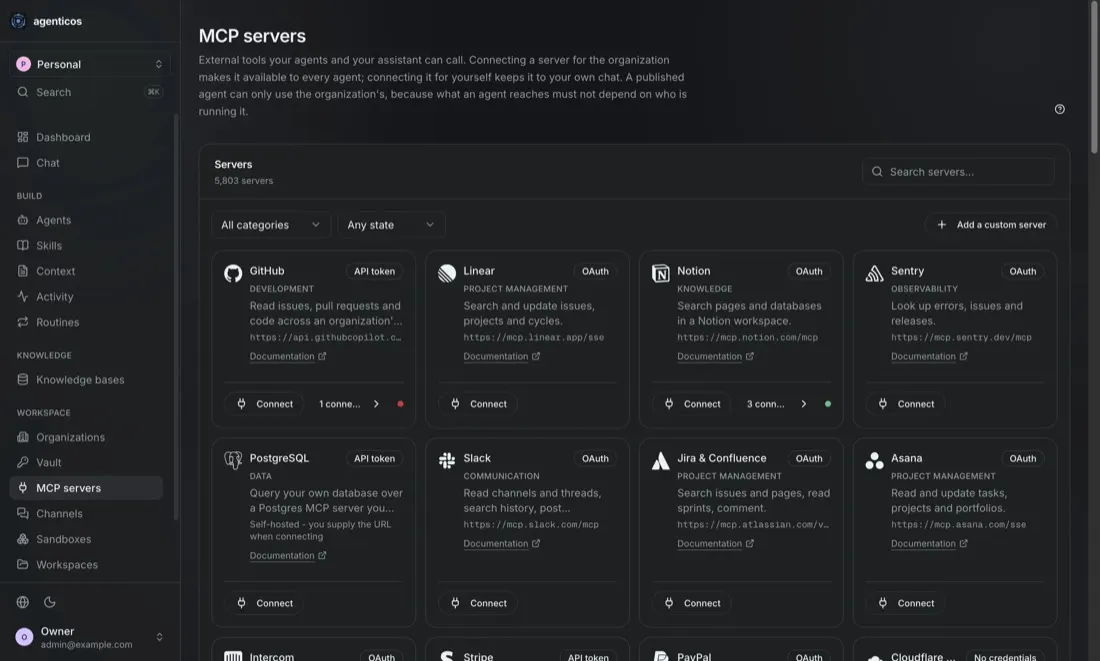
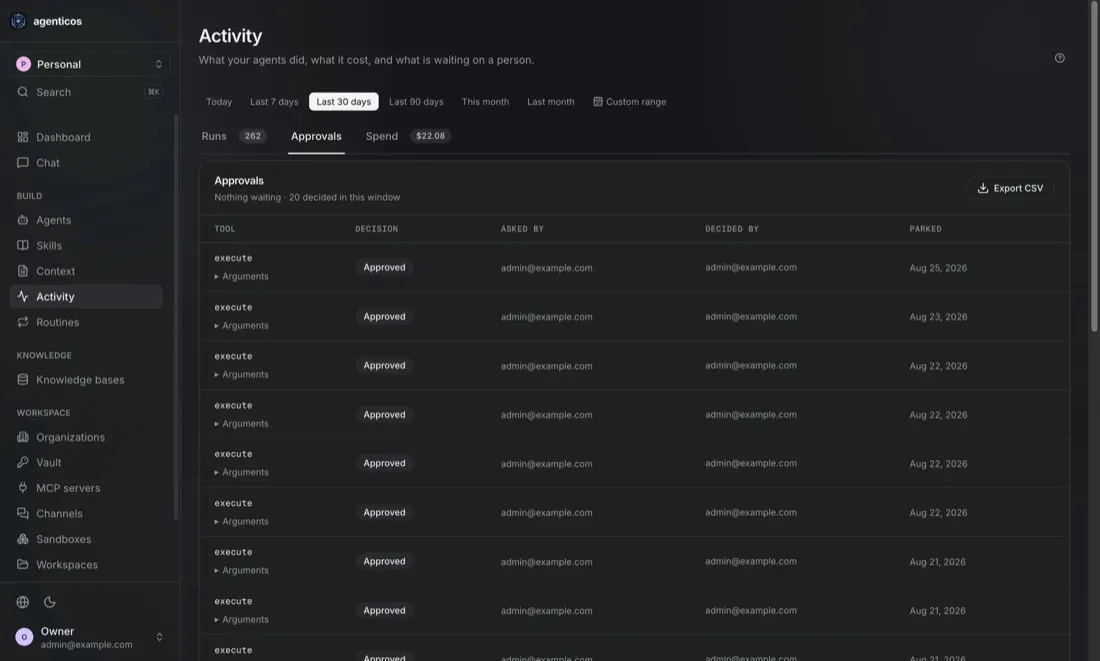
Screens from the workspace our agents run in, with example data.
Each page shows where agents fit in that team or industry.
Open standards, open-source tooling and published research, all public, so you can check our engineering before you hire us.
Shaping agentic AI
Vstorm was the first agentic AI engineering company to join the Agentic AI Foundation and received its 2026 Open Agentic AI Innovation Award.
Read the announcementOpen source
Framework contributors
We maintain our own open-source agent framework and contribute fixes to the frameworks our agents run on, through official partnerships with their teams. Breaking changes reach us before they reach your codebase.
Research
Peer-reviewed papers on agent architectures, evaluation and AI security, and an open benchmark anyone can rerun against our results.
Track record
Our client agents were in production before most of today's agent frameworks had a stable release. You get a team that already knows what breaks between a promising demo and a system people rely on every day.
98% of device activation workflows automated and error processing 10x more efficient.
Read case study

Conversion to a final sale rose from about 20% to about 40%.
Read case study 42% for a raw LLM, 98% for the guideline-executing agent, on an open 50-scenario clinical benchmark.
Read case studyEach path starts with a free call with a founder or senior AI engineer. A build goes ahead only after its Proof of Value meets the agreed threshold.
We map one workflow with your experts and agree a success threshold before any build.
Best whenYou want the success test agreed before you commit to a build.
A Proof of Value shows accuracy and running costs before the full build.
n this article, we perform a detailed churn investigation scenario to illustrates the distinction between traditional RAG and Agentic RAG
One agent or several? Deterministic orchestration beats both when the flow is predictable. Pros, cons and the architectures, with production examples.
Nine steps to map one workflow for agentic AI: choose it, map it from real records, measure it, check readiness, redesign it and set a go/no-go KPI.