
Shaping agentic AI
Agentic AI Foundation
Vstorm was the first agentic AI engineering company to join the Agentic AI Foundation and received its 2026 Open Agentic AI Innovation Award.
Read the announcementA supervisor agent that hands work to specialists
For Yeeld we built a 6-agent supervisor architecture in which a lead agent splits each request and calls only the specialists it needs.
Account managerYour team
A customer wants their order history, a forecast for next quarter and a reply today. Can the agents split it?
Supervisor agentAgent
router.plan three tasks, three specialists agents.call data, forecast and reply agents Split into three tasks and sent to the data, forecast and reply agents. The other agents stay idle.
Supervisor agentAgent
results.merge history, forecast and draft checks.validate figures match the source data One reply built from the three results. It includes a forecast for a customer, so it needs your sign-off.
Reply agentAgent
crm.log_reply reply and each agent's trace Reply sent from your mailbox. The steps of every agent are saved in one trace.

Three-agent product advisor guiding customers through print-order configuration.
Read case study
HIPAA-compliant guideline-executing triage — 42% to 98% on the open 50-scenario benchmark.
Read case study
Text-to-workflow agents building validated node graphs inside the platform.
Read case study
Supply chain intelligence agents reducing manual coordination overhead.

AI agent implementation for a global automotive enterprise.

Bilingual English/Arabic agent inside ARIJ's Moodle environment, answering only from ARIJ's own knowledge base.
A supervisor splits the work across specialist agents, and code keeps each one inside its job.
Where it stallsOne prompt tries to cover every task and drifts.
What we do Each specialist agent has one job, its own tools and its own tests, so changing one leaves the others intact.
Where it stallsEvery request runs the whole system and costs too much.
What we do The supervisor calls only the specialists a request needs. The other agents stay idle.
Where it stallsWhen an answer is wrong, nobody sees which step failed.
What we do Every handoff, tool call and result is traced, so you see which agent did what.
Whatever comes in, every project is built from the same parts below, set up for your files and your systems.
Work we split across agents
How we build it
Which agents you need, what each one may do and how the supervisor routes work between them.
Agents for data, documents, actions or conversation, each with its own tools, prompts and limits.
The supervisor calls only the agents a request needs and merges what they return into one answer.
Each agent is tested on its own cases, and every run is traced from the request to the answer.
Not seeing your case? Tell us the process you want agents to share and we start from that.
Tell us about your workflowThey work in the tools your team already uses, take on whole tasks and stop for a person where you decide.
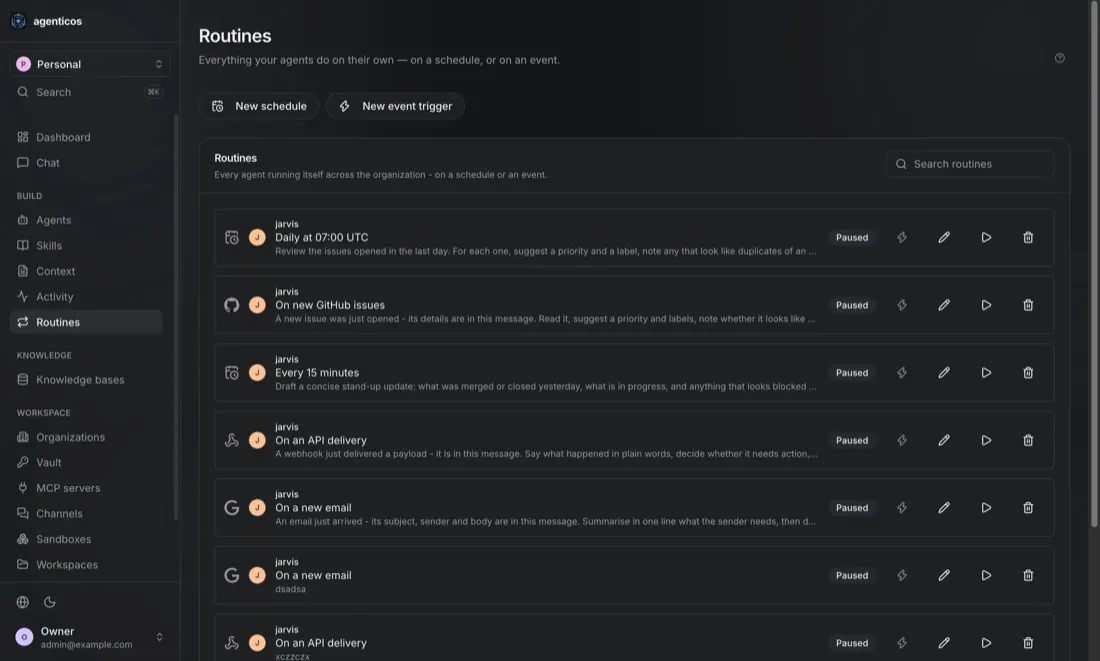
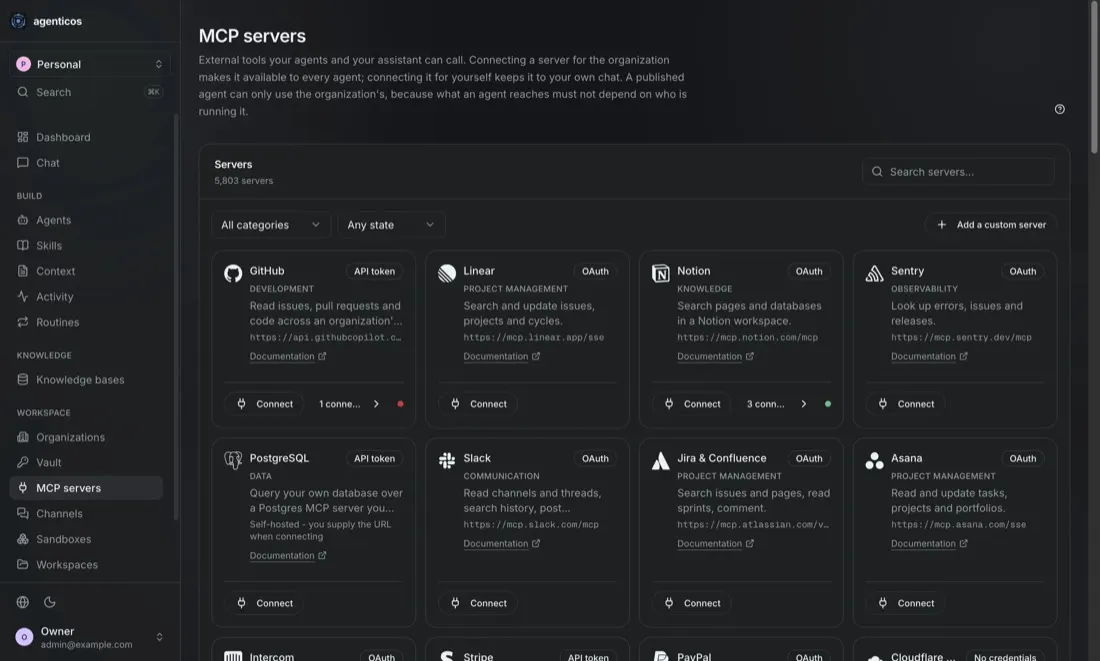
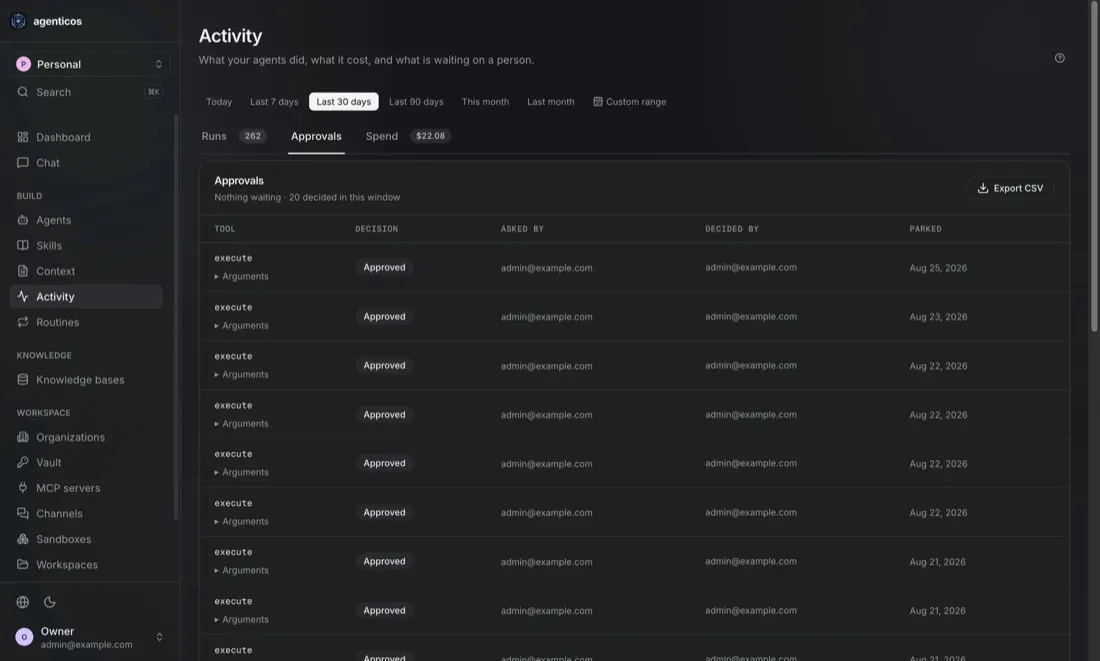
Screens from the workspace our agents run in, with example data.
Each page shows where agents fit in that team or industry.
Open standards, open-source tooling and published research, all public, so you can check our engineering before you hire us.
Shaping agentic AI
Vstorm was the first agentic AI engineering company to join the Agentic AI Foundation and received its 2026 Open Agentic AI Innovation Award.
Read the announcementOpen source
Framework contributors
We maintain our own open-source agent framework and contribute fixes to the frameworks our agents run on, through official partnerships with their teams. Breaking changes reach us before they reach your codebase.
Research
Peer-reviewed papers on agent architectures, evaluation and AI security, and an open benchmark anyone can rerun against our results.
Track record
Our client agents were in production before most of today's agent frameworks had a stable release. You get a team that already knows what breaks between a promising demo and a system people rely on every day.

A 6-agent supervisor architecture for a UK fintech: 2 coaching agents with opposite attitudes and 1 orchestration agent.
Read case study
Questions answered in SQL over 473+ columns across 15 database views.
Read case study

Conversion to a final sale rose from about 20% to about 40%.
Read case studyEach path starts with a free call with a founder or senior AI engineer. A build goes ahead only after its Proof of Value meets the agreed threshold.
We map one workflow with your experts and agree a success threshold before any build.
Best whenYou want the success test agreed before you commit to a build.
A Proof of Value shows accuracy and running costs before the full build.
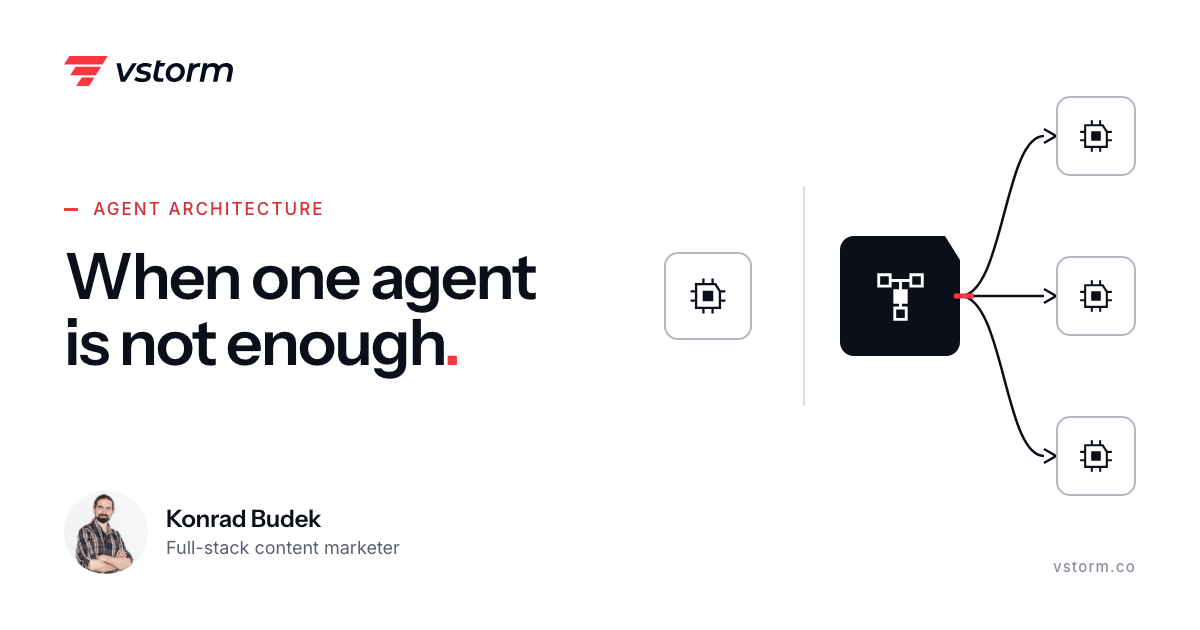
One agent or several? Deterministic orchestration beats both when the flow is predictable. Pros, cons and the architectures, with production examples.
n this article, we perform a detailed churn investigation scenario to illustrates the distinction between traditional RAG and Agentic RAG
When people ask us about Logfire, they usually think AI agents. Monitoring PydanticAI workflows, tracking token usage, debugging LLM calls.